
Custom Brochure Printing in Canada | Print It On
When you need to tell a bigger story than a flyer permits, but don’t need a full booklet, a brochure is the perfect solution. Compact, organized, and professional, brochures allow you to present detailed information, pricing, and images in an easy-to-read folded format.
Why Choose Our Brochures?
-
Compact Powerhouse: Delivers a wealth of information in a pocket-sized format. Perfect for menus, service lists, and product guides.
-
Professional Finish: Crisp folds and high-quality paper make your brand look established and trustworthy.
-
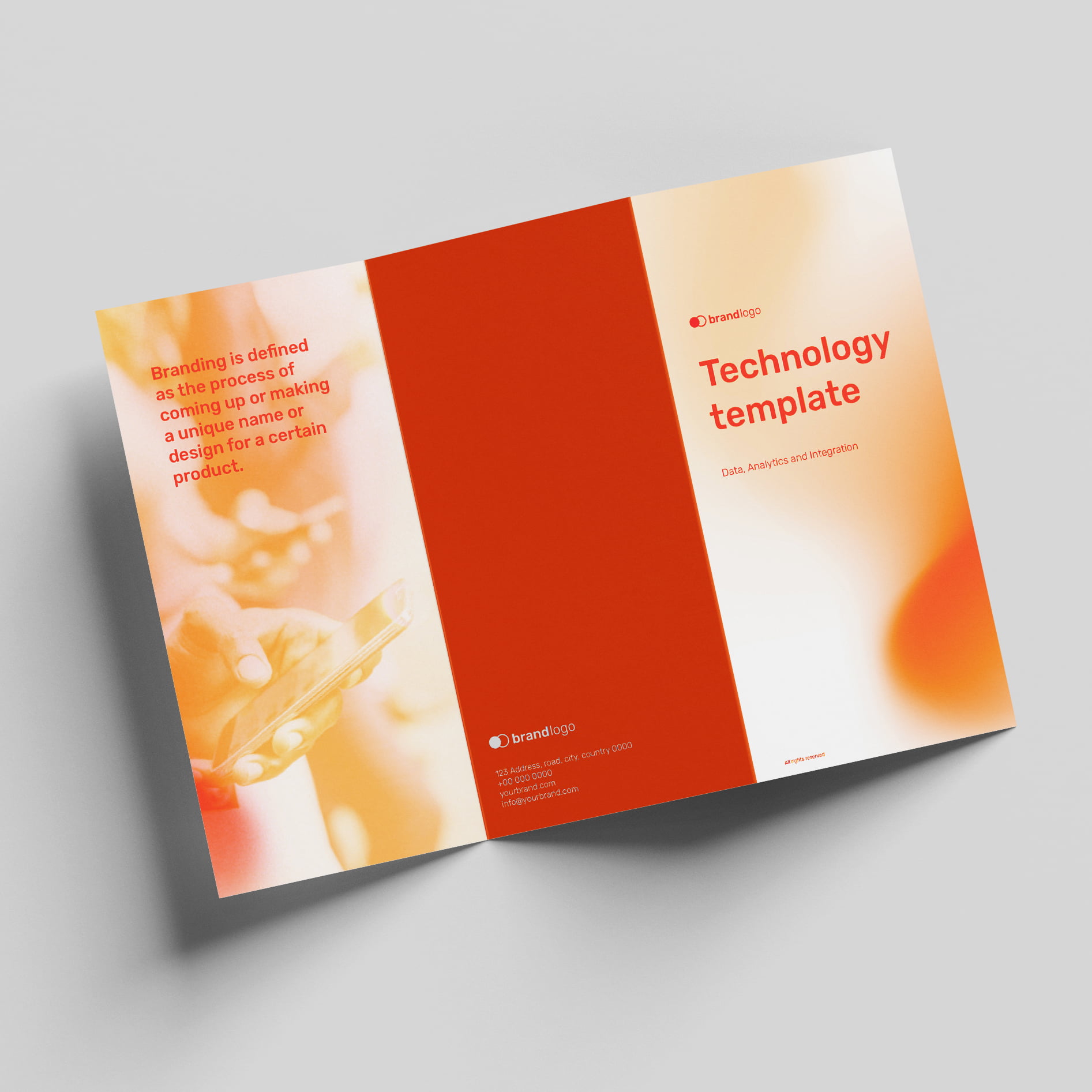
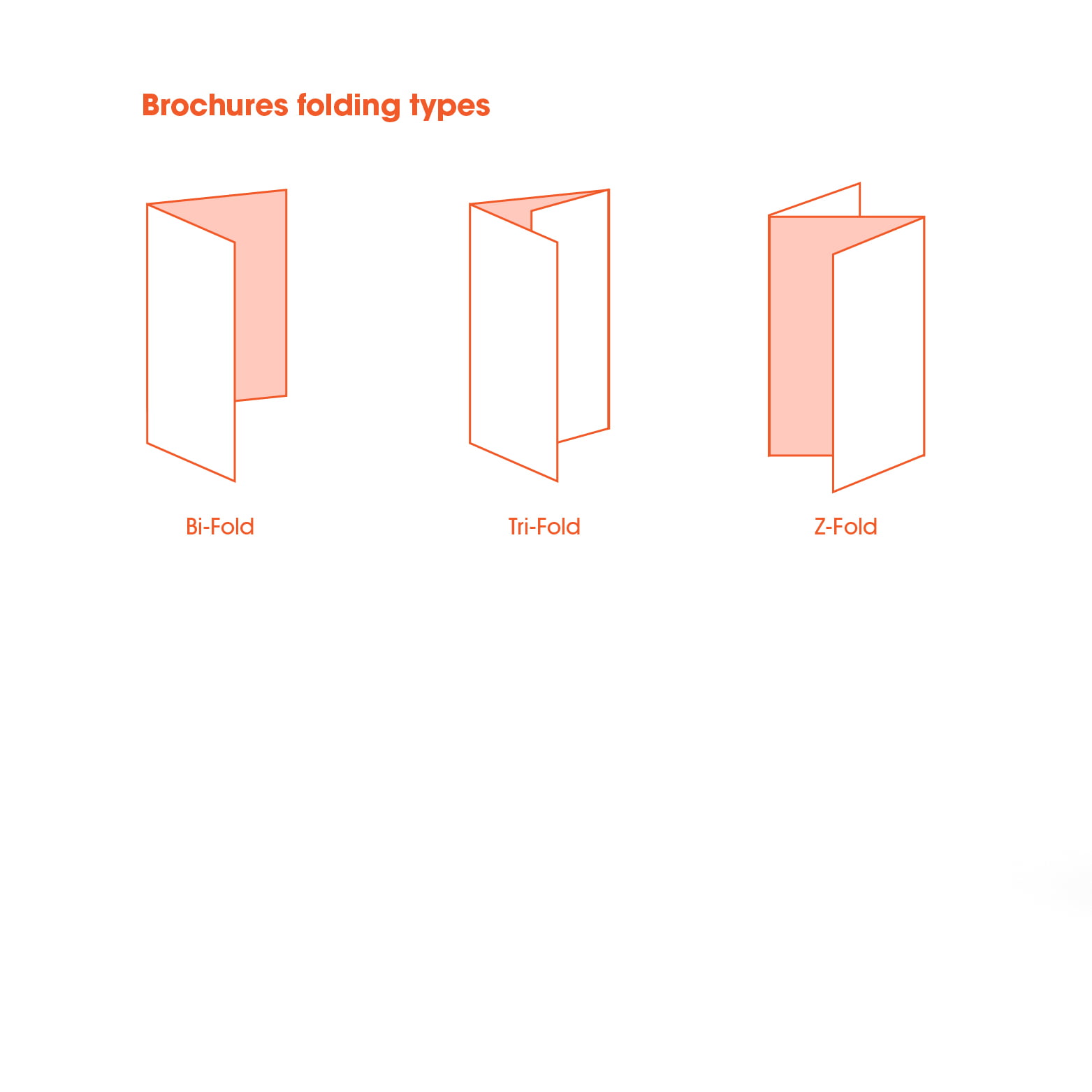
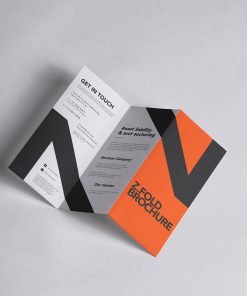
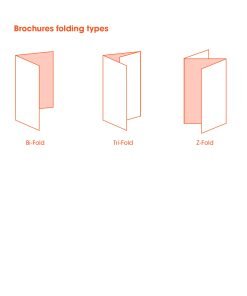
Versatile Options: Choose from classic Tri-Fold, Z-Fold, or Half-Fold styles to suit your content flow.
Common Uses:
-
Take-out Menus
-
Service Price Lists
-
Real Estate Property Highlights
-
Trade Show Handouts
Do you fold them for me?
Yes! Your brochures will arrive professionally folded and ready to hand out. (Note: Thicker cardstocks may be “scored” and shipped flat to prevent cracking, depending on the job).
What paper is best?
-
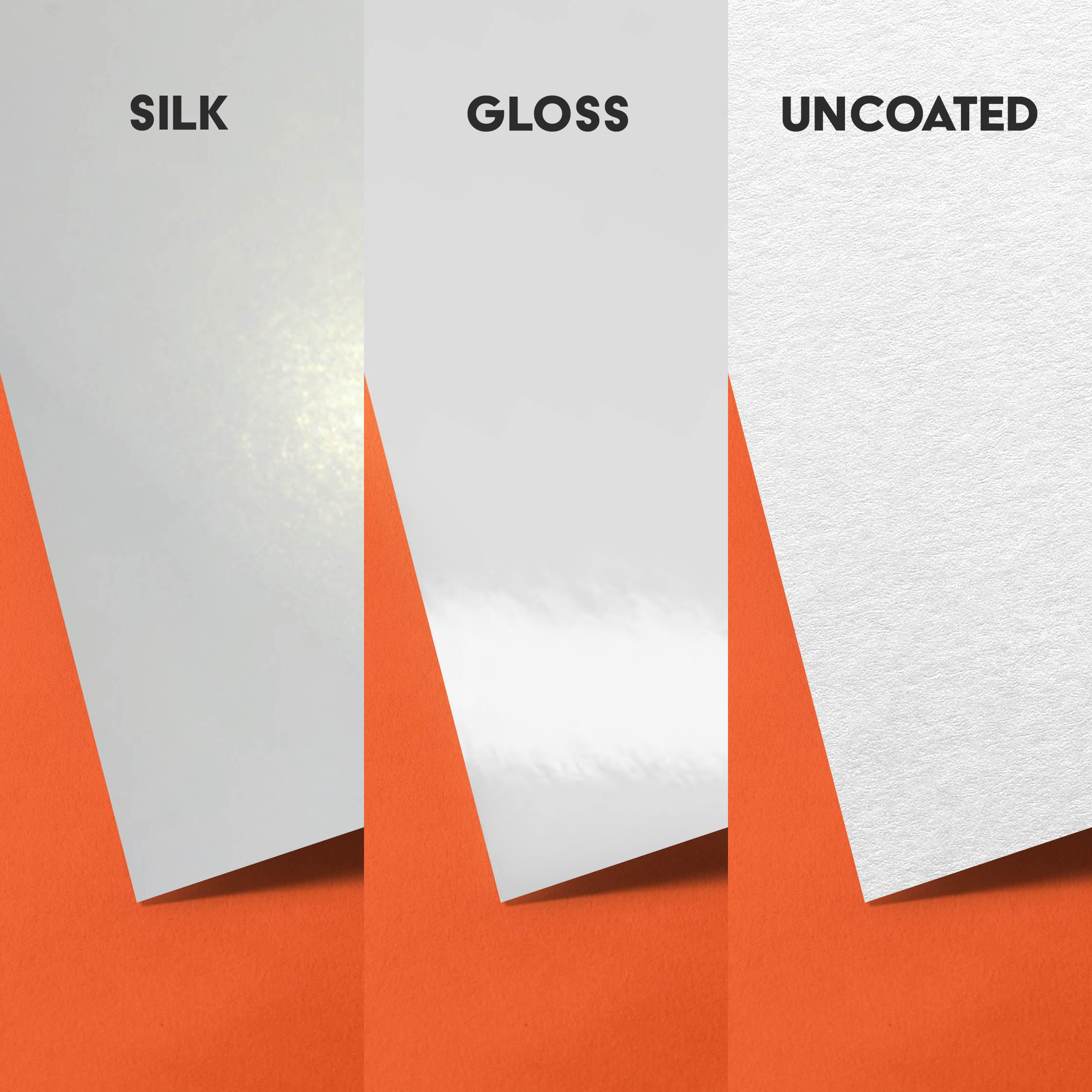
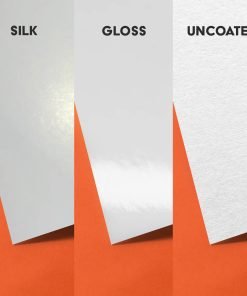
80lb Gloss Text: The standard for takeout menus and marketing brochures. Shiny, vibrant, and flexible.
-
80lb Matte Text: Smooth and glare-free. Better for text-heavy brochures or corporate reports.
How do I set up my file for folding?
-
Page 1: The “Outside” of the brochure (Front Cover, Back Cover, and Inside Flap).
-
Page 2: The “Inside” of the brochure (Left, Middle, and Right panels).
-
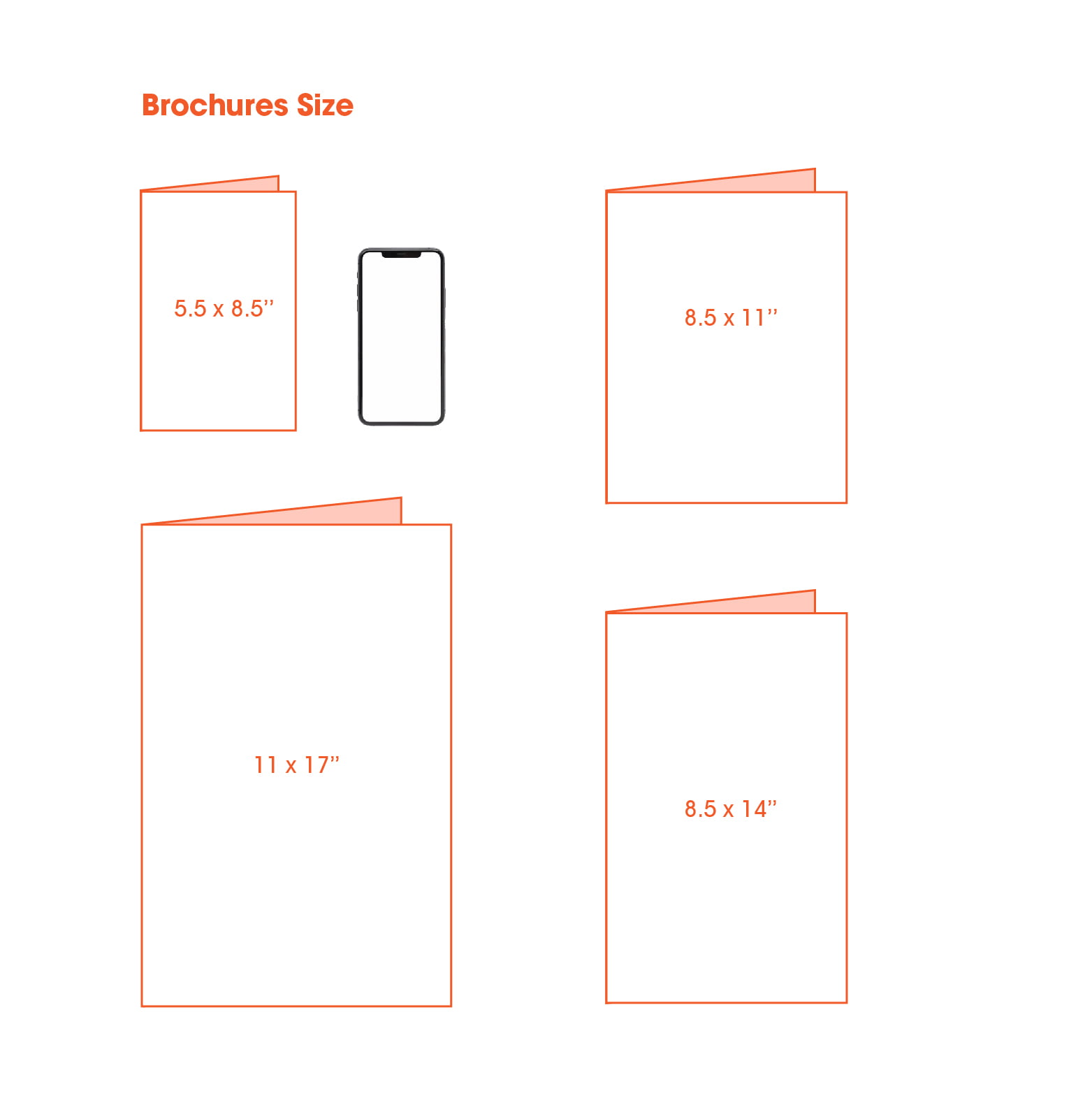
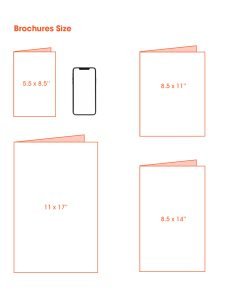
Note: Do not slice the panels into separate files. Send us the full flat size (e.g., 8.5×11) with bleed.
Which fold should I choose?
-
Tri-Fold (Letter Fold): The classic choice. Great for sequential information that unfolds step-by-step.
-
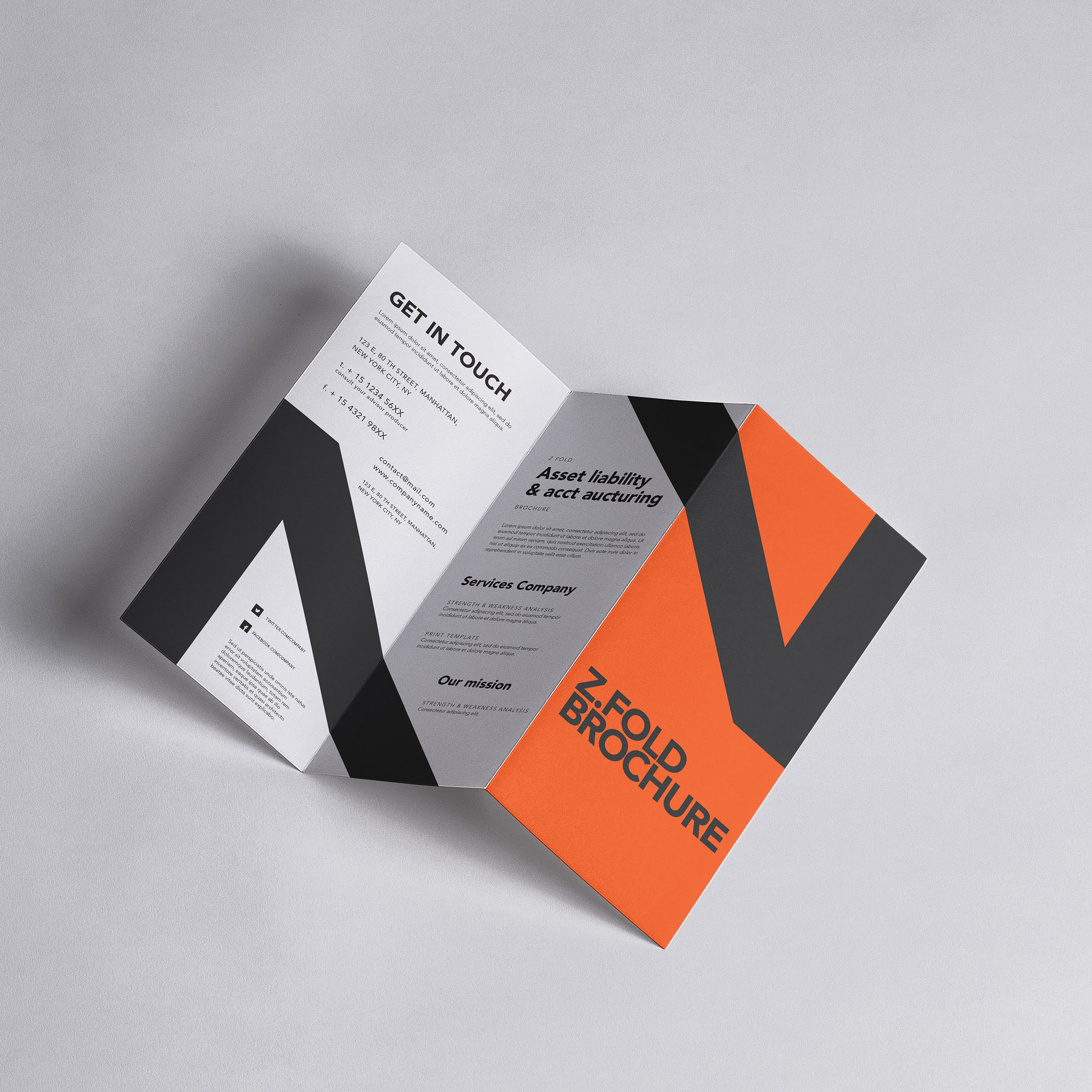
Z-Fold: Opens like an accordion. Best for designs that span across multiple panels or for quick scanning.
-
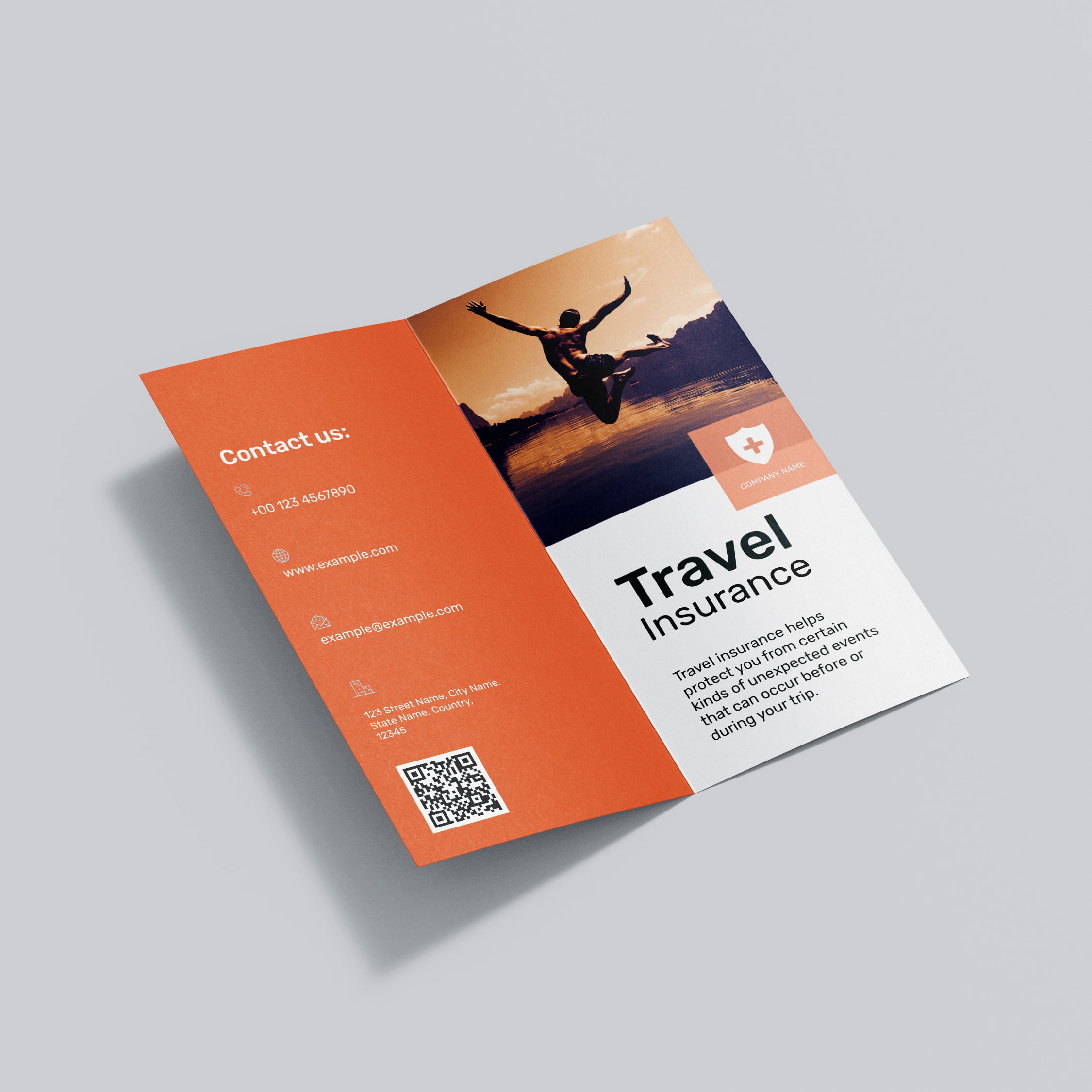
Half-Fold: Simple and elegant. Ideal for product comparison charts or large photos (like a mini-booklet).
Can I write on them?
Yes, but we recommend choosing a Matte or Uncoated finish if you plan to write on them (e.g., filling in a quote). Glossy paper can be difficult to write on with standard pens.
Why Choose Print It On for Brochures?
Print It On stands out as a top choice for custom brochure printing for several key reasons: we combine premium materials with cutting-edge printing technology to deliver results that exceed expectations. Our team is committed to your satisfaction — from the moment you place your order to the moment it arrives at your door. We offer competitive pricing, multiple finish options, and one of the fastest turnaround times in the industry.
- Premium Quality: We use only top-grade materials and inks for vibrant, lasting results.
- Fast Turnaround: Rush and standard options available to meet your deadlines.
- Expert Support: Our team is here to help you get the perfect print.
- Free Proofing: We review every order before it goes to print to ensure accuracy.
- Nationwide Delivery: We ship custom print products across Canada.
| Weight | 15.432 lbs |
|---|---|
| Dimensions | 12 × 9 × 2 in |
How can I get my order?
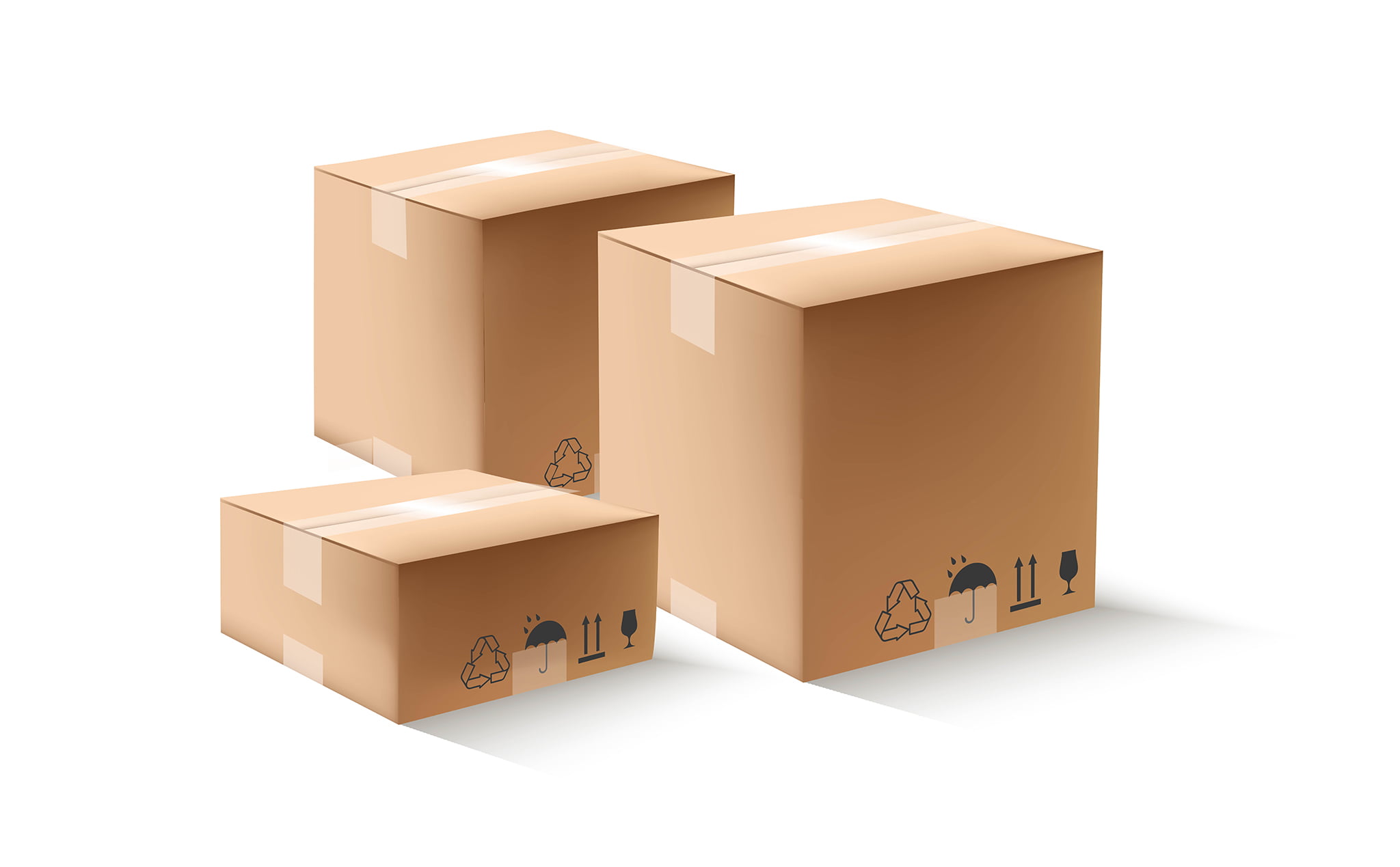
You can pick up your order from the shop during the week under normal working hours. If you will need your order to be delivered with in the city or shipped outside, we will be more than happy to arrange that too.
Why do I need bleed in the file?
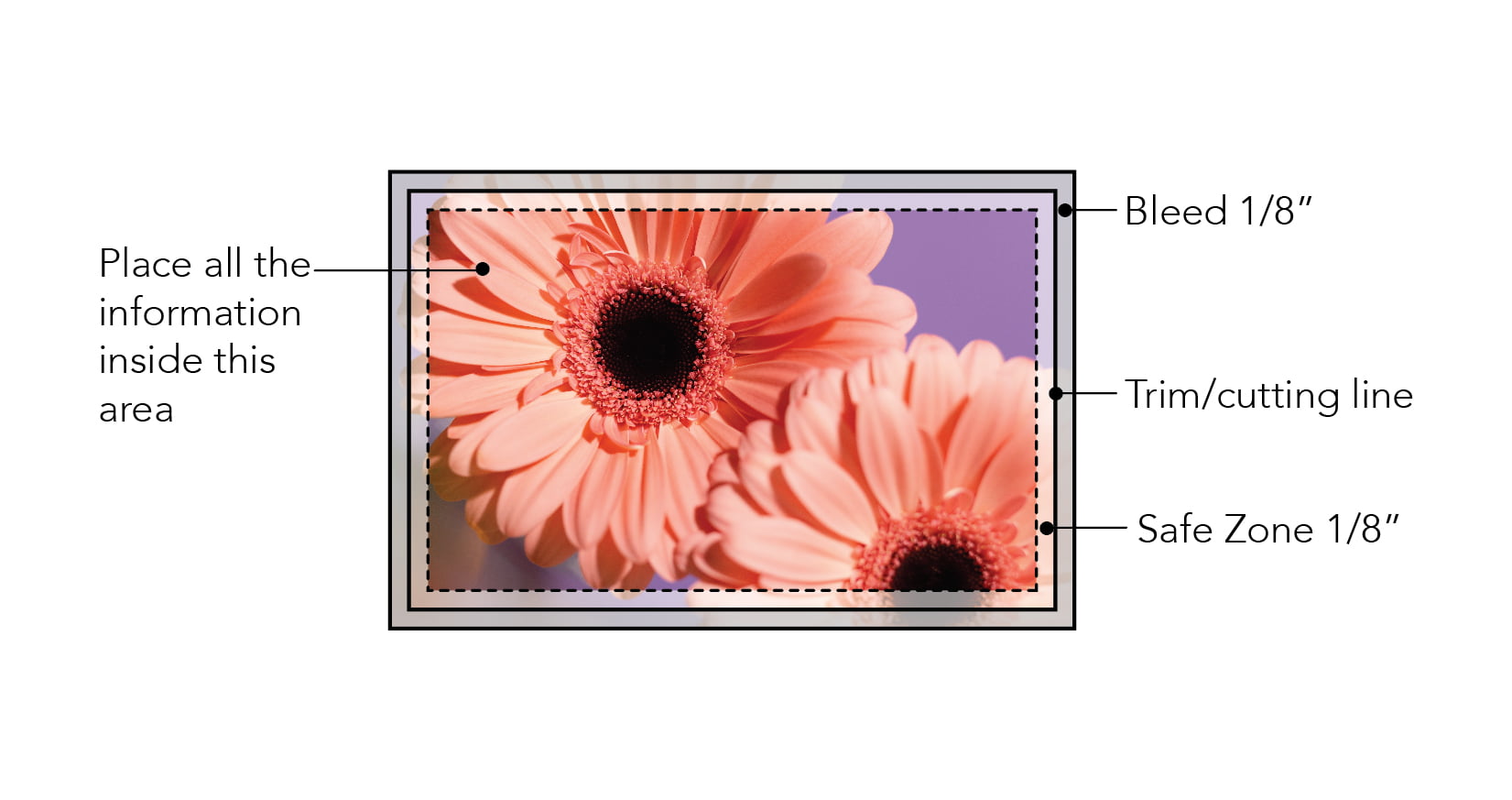
"Bleed" is an extra 1/8 inch (0.125") of artwork that extends beyond the edge of the card. We cut through this area to ensure your design goes all the way to the edge without leaving any white hairline borders.
Which black should I use?
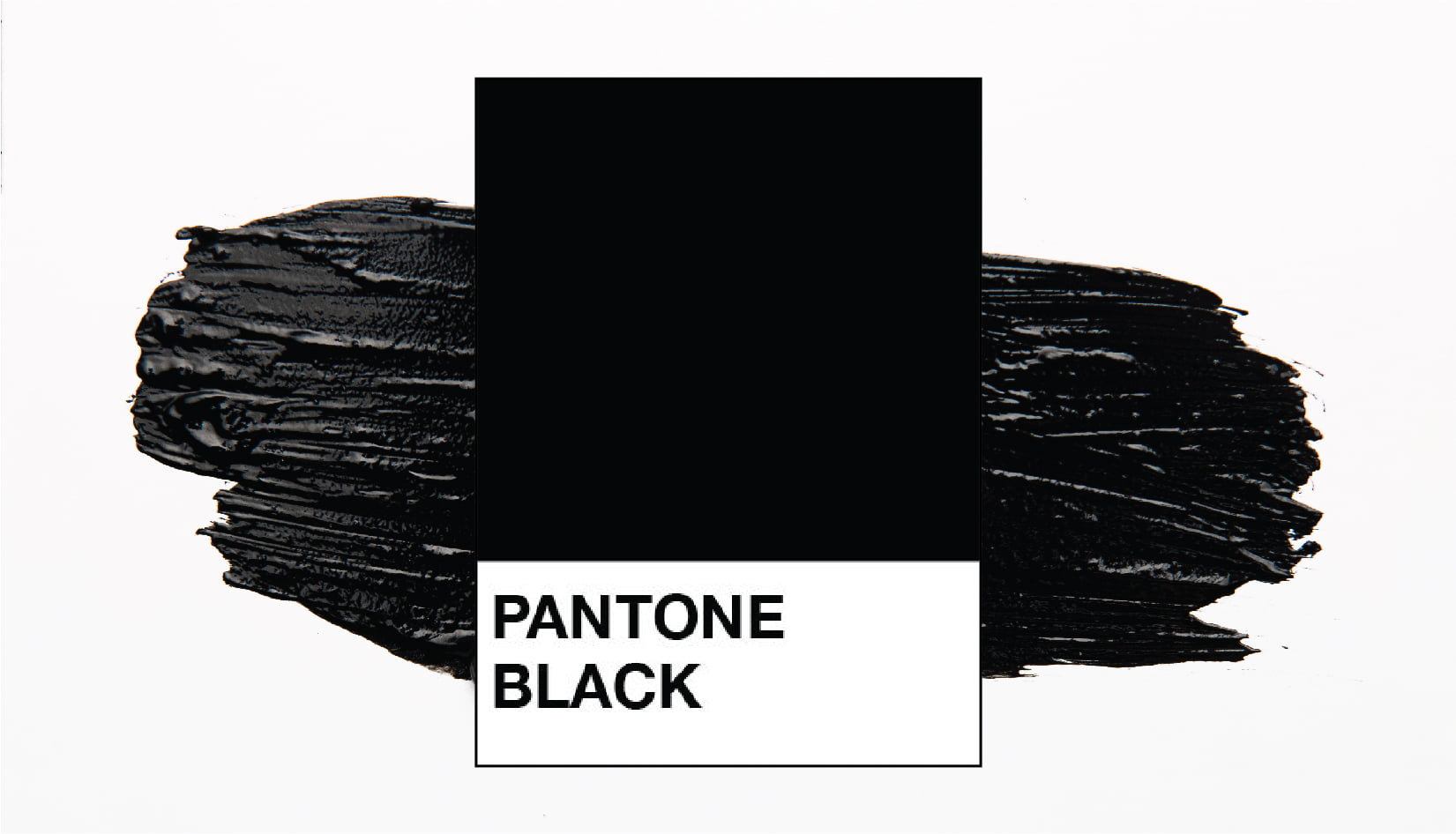
For large black backgrounds: Use Rich Black (C=75 M=68 Y=67 K=90).
This creates a deep, dark black.
For small text: Use 100% Black (K=100) to keep the text sharp and crisp.
.
Which color format is best: RGB or CMYK?
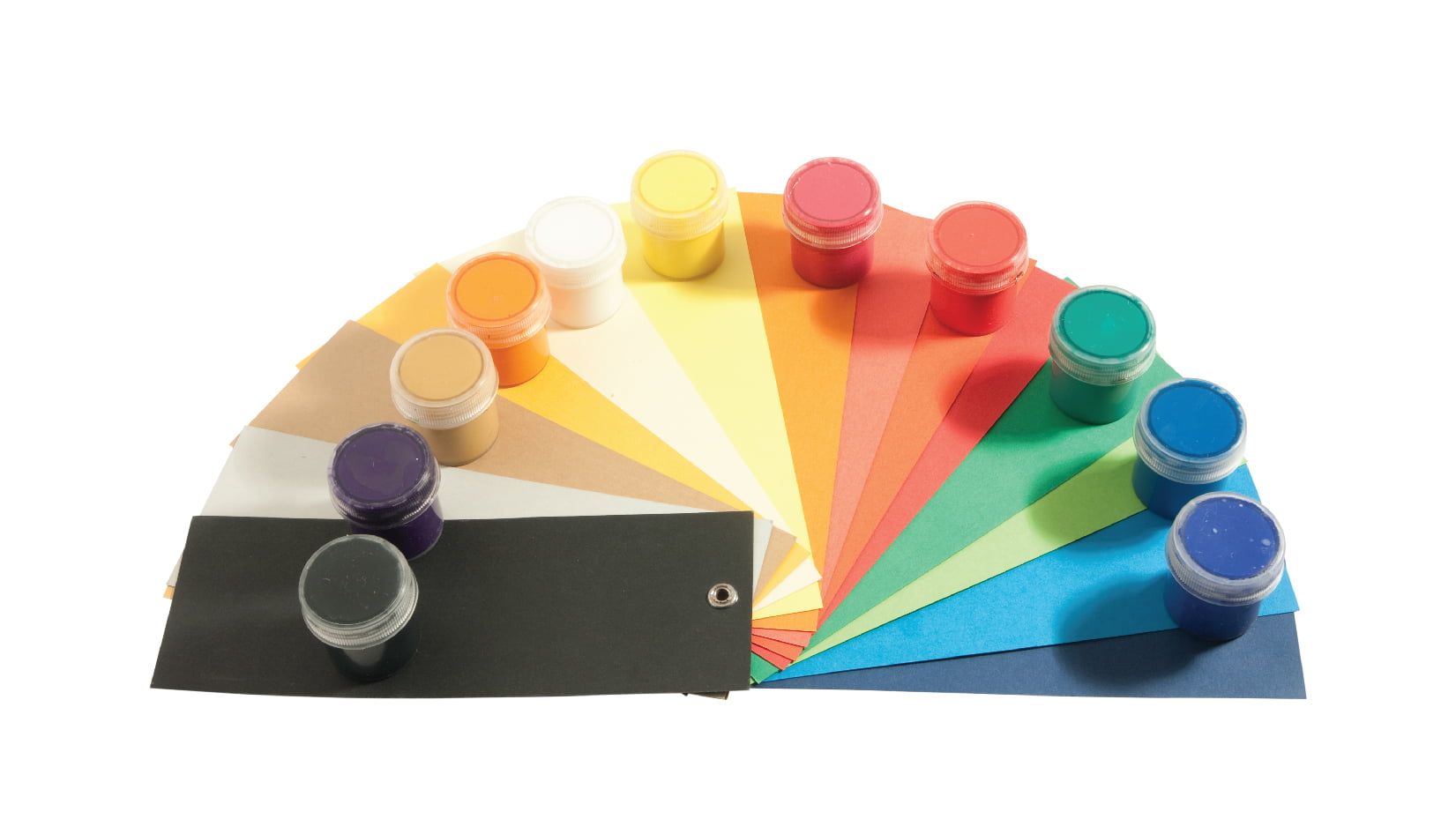
Please design in CMYK.
RGB (Red, Green, Blue) is for computer screens.
CMYK (Cyan, Magenta, Yellow, Black) is for printing.
Note: If you submit an RGB file, we will convert it for you, but the colors may shift slightly.
Do you check my artwork before printing?
Yes! To ensure the best quality, our pre-production team reviews every file for correct bleed and sizing.
If we find an issue: We will contact you immediately via email or phone and advise you on how to fix the file.
Design Tip: To avoid cutting off essential elements (like phone numbers or logos), please keep them at least 0.125" (3.175 mm) away from the edge. This is called the "Safety Zone." Only your background colors or images should extend to the edge.
Which file format will be the best for printing?
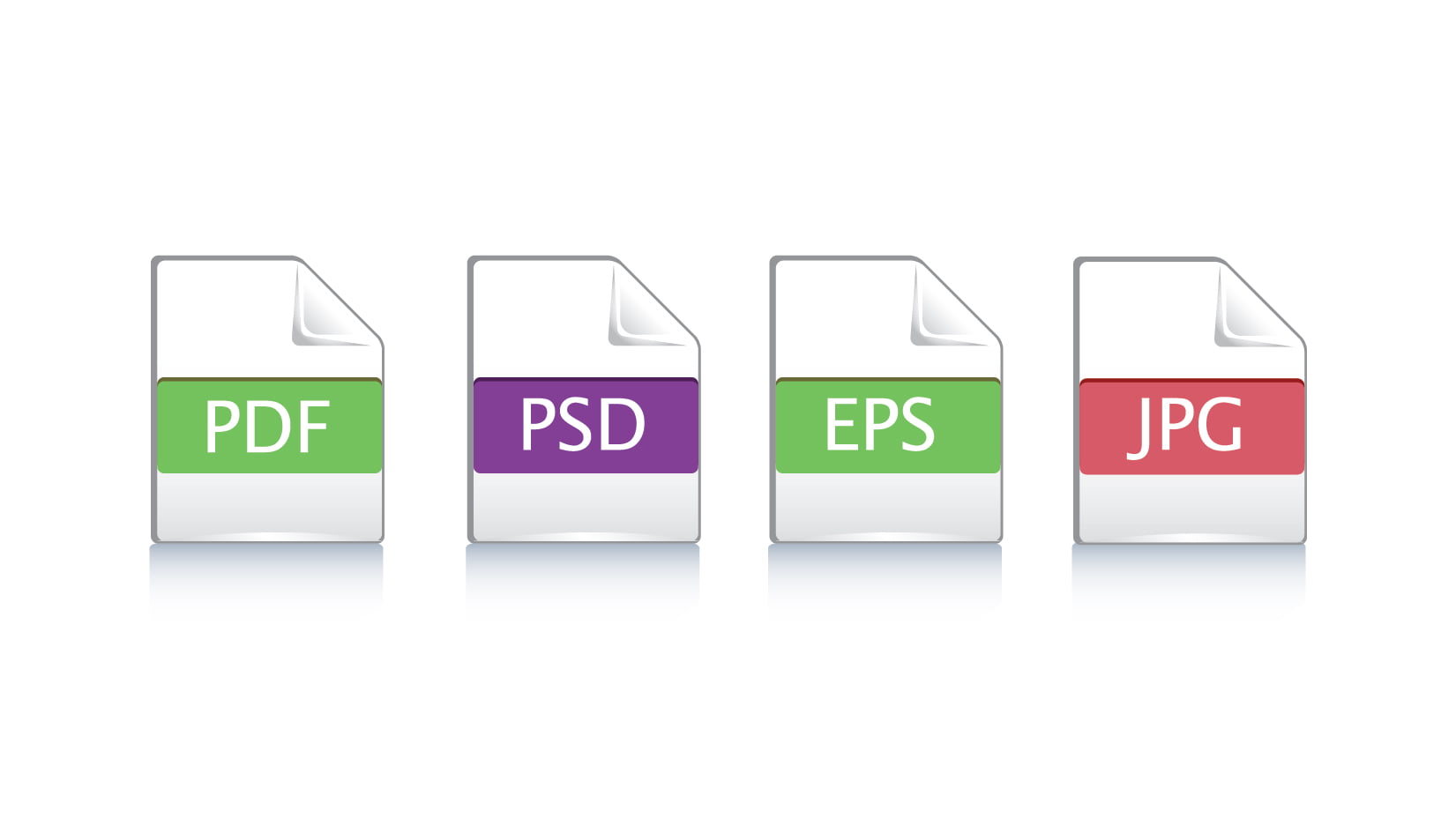
We prefer a high-quality PDF with bleed included. We also accept high-resolution JPG or PNG files (300 DPI).
Wide Product Range
Every print need covered
48 Hour Rush
Fast turnaround available
Free Design Help
We check your files
Canada-Wide Shipping
Delivered across Canada